
Turn a photo into a video
Choose your first frame and give the scene a clear direction.
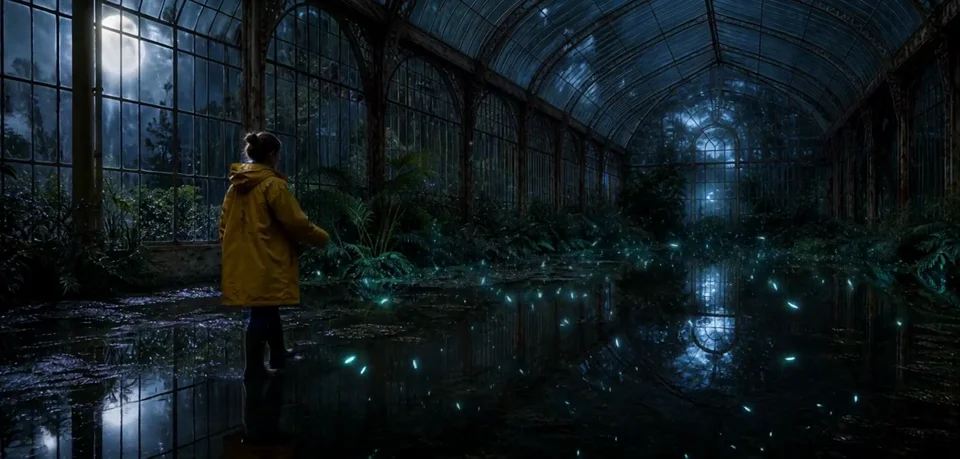
An opening frame gives your video a starting point. Describe what should move and how the camera should follow it.
Choose the first frame
Upload a PNG, JPG or WebP under 2 MB. A clear subject and uncluttered composition make it easier to describe the movement. Studio keeps up to four reference images in a project; choose the one you want to use as the opening frame.
Describe the movement
Start with one action and one camera move. For a product shot, try: “The bottle stays still while the camera slowly moves closer. Soft window light passes across the glass.”
For a portrait, describe a small gesture before adding a complicated scene change. If a detail should stay the same, include it in the prompt.
Review before generating
Choose an available image-to-video model, aspect ratio, length and resolution. Review the proposal and credit cost before you approve generation. Settings differ by model.
Keep each take in the same project so you can compare versions. When your video is ready, download it from Studio or your Library.